Bitplan
New software for classic Amiga
|
|
Bitplan New software for classic Amiga |
GoShell - Full-Screen Shell Terminal for AmigaOS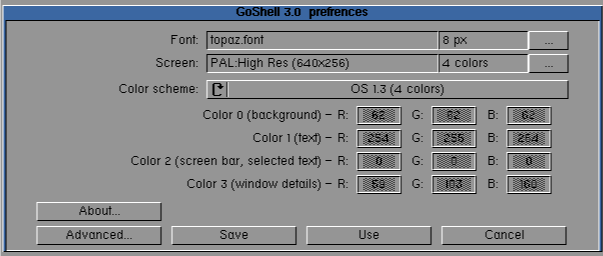
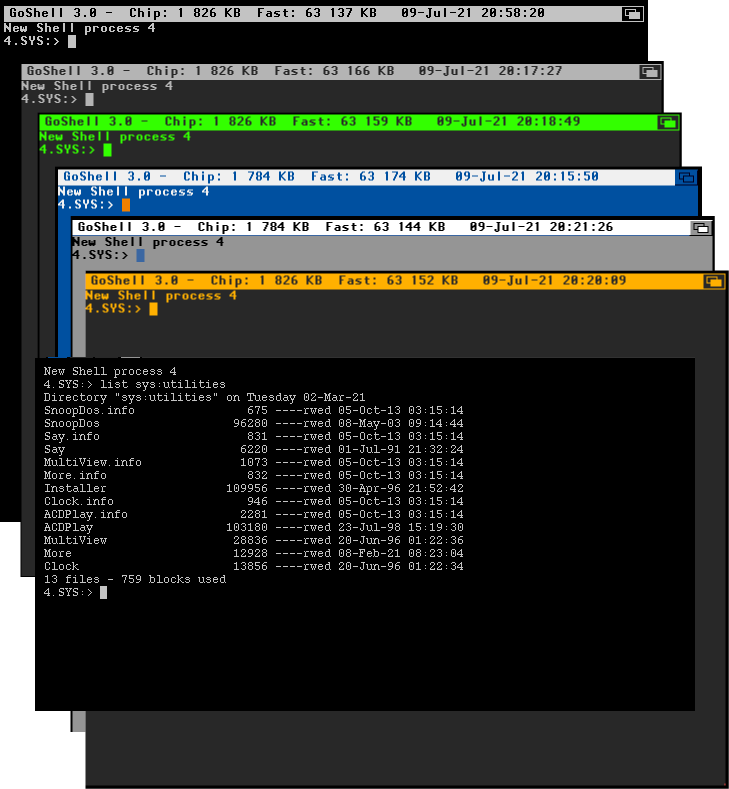
About GoShellGoShell is a free and easy tool to open a Shell terminal in full-screen on a separate screen. You can choose any screen mode, set the colors and fonts, change the terminal window settings, and more. GoShell also includes several predefined color schemes, such as classic OS 3.x or OS 1.3 styles, dark, green, amber, and more. Main features
RequirementsAny Amiga with AmigaOS 3.0 or higher. ScreenshotsPreferences - main window
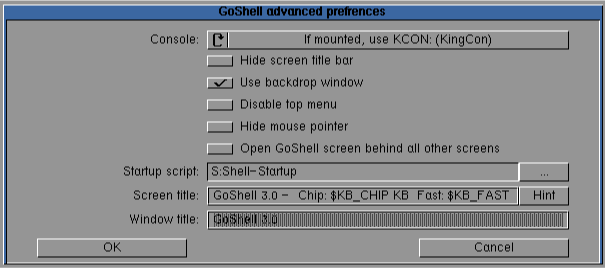
Preferences - advanced settings
Predefined color schemes
LicenseGoShell is Freeware. If you find it useful, you are welcome to make a small donation to support further development: Download
|
| © 2026 Bitplan — Krzysztof Donat |